Pollen Radar card examples
Visualization
These examples show several ways to display tree, grass, and weed pollen levels with horseshoes, mapped states, external SVG icons, and reusable YAML.

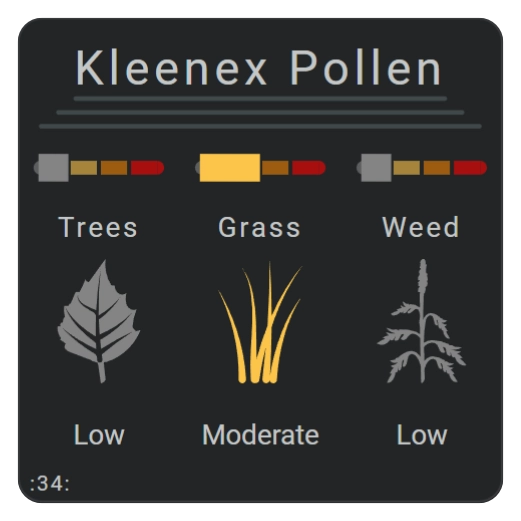
| Description | Aspect ratio |
|---|---|
| Displays pollen information from the Kleenex Pollen Radar integration. | 1/1 |
Demonstrated functionality
| Feature | Demonstrated use |
|---|---|
same_as | Reuses horizontal lines with different positions and lengths. |
same_as | Reuses horseshoes with colored scales and a large radius to create horizontal bars. |
same_as_replace | Replaces inherited icon state maps on reused items. |
ref() | Inserts shared icon state maps defined under constants. |
calc() | Calculates positions, offsets, dimensions, and radii. |
| Icons | Uses state maps and external SVG files for tree, grass, and weed illustrations. |
| Horseshoes | Combines mapped states with color stops. |
More visualizations
The following variations were created for version 5.4.7-dev.12.
Card 55
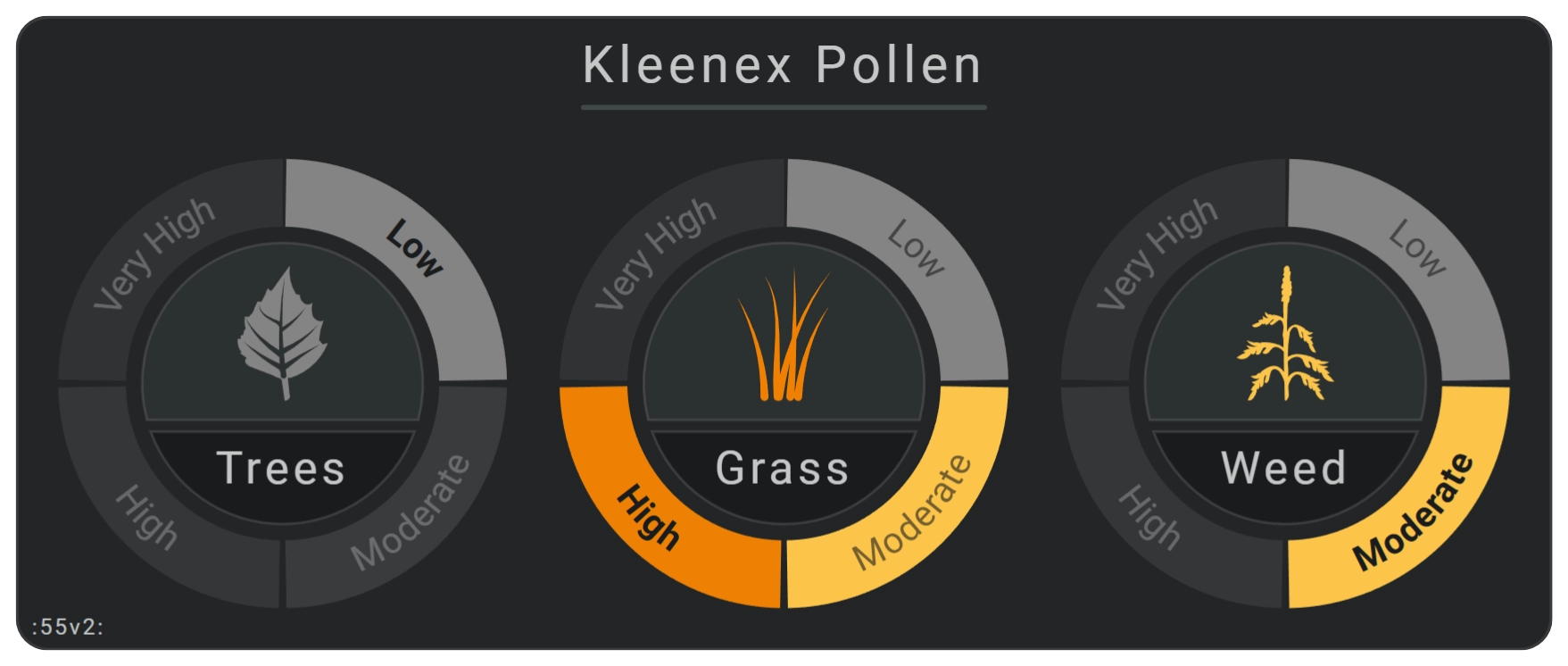
Card 55 uses three horseshoes to display the current pollen level for trees, grass, and weeds.
- Pollen values appear as ordered levels.
- Labels are placed directly on the horseshoe states.
- The active state uses bold text.
- Two arc shapes create a background for each external SVG icon and label.
Card 54
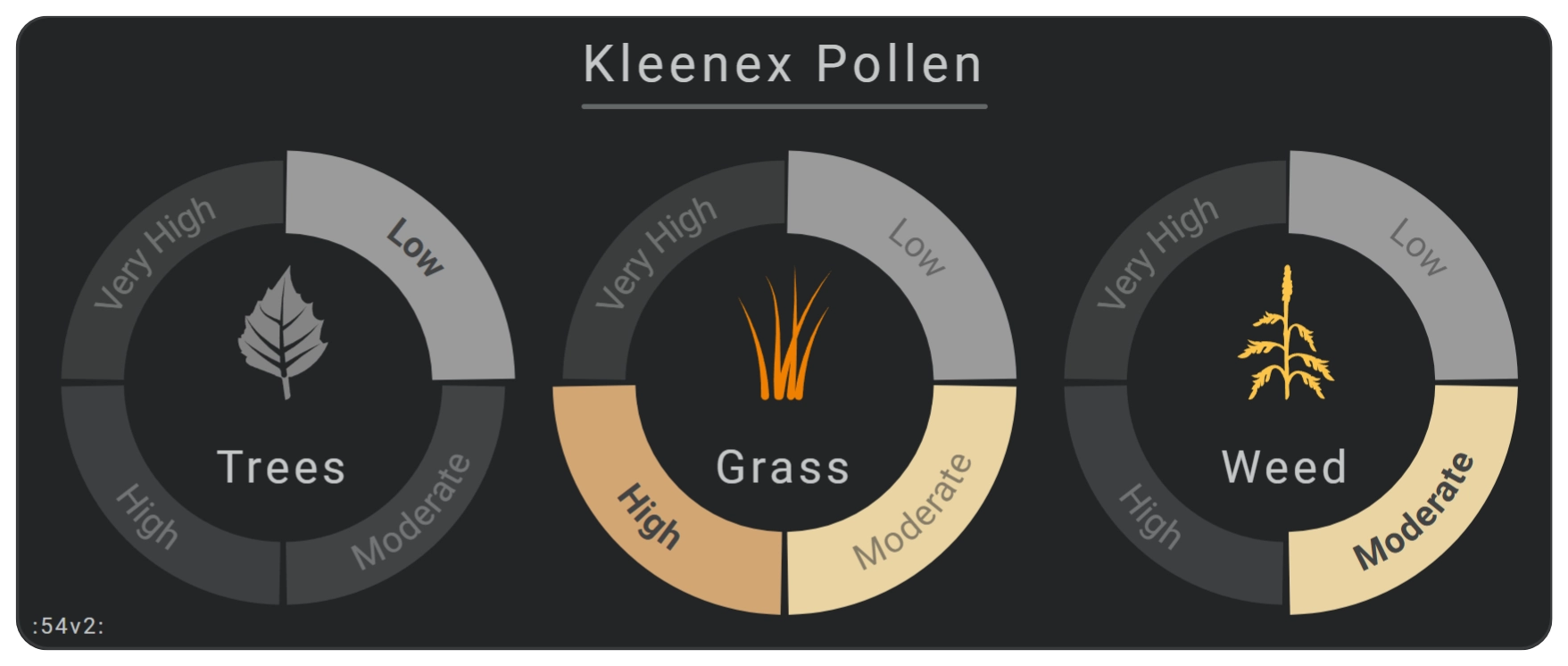
Card 54 is a variation of card 55. It applies a grayscale color filter to reduce the intensity of the horseshoe colors.
Color filters do not affect external images or SVG files.
Card 53
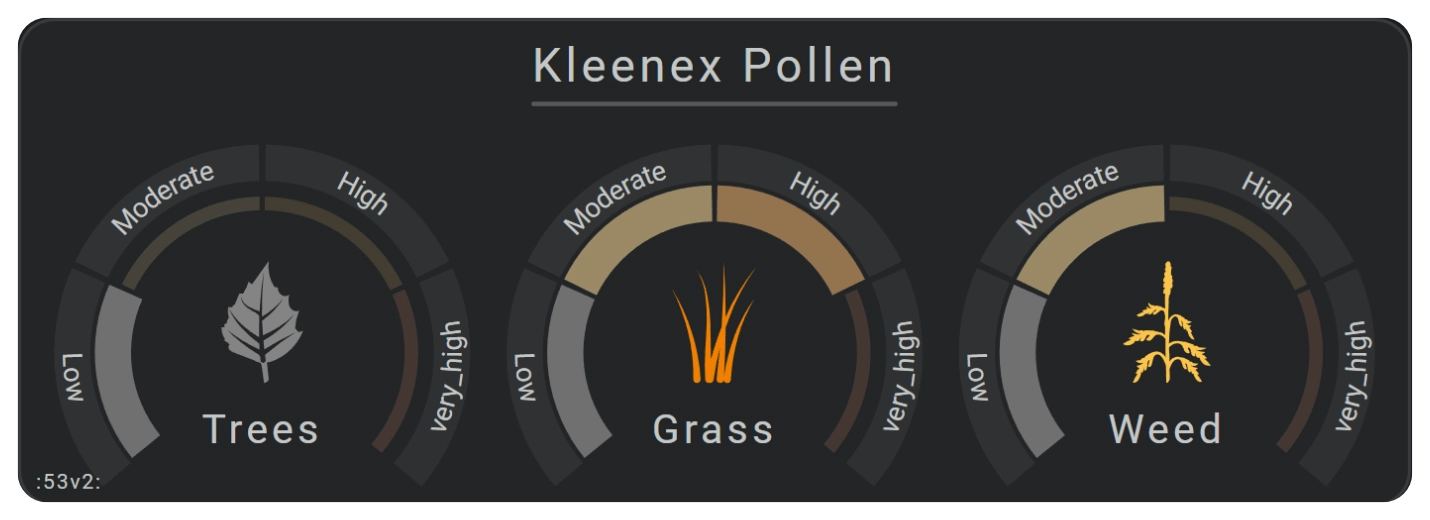
Card 53 uses a more traditional horseshoe layout.
- Labels appear separately around the horseshoe.
- A grayscale color filter softens the displayed colors.
Card 52
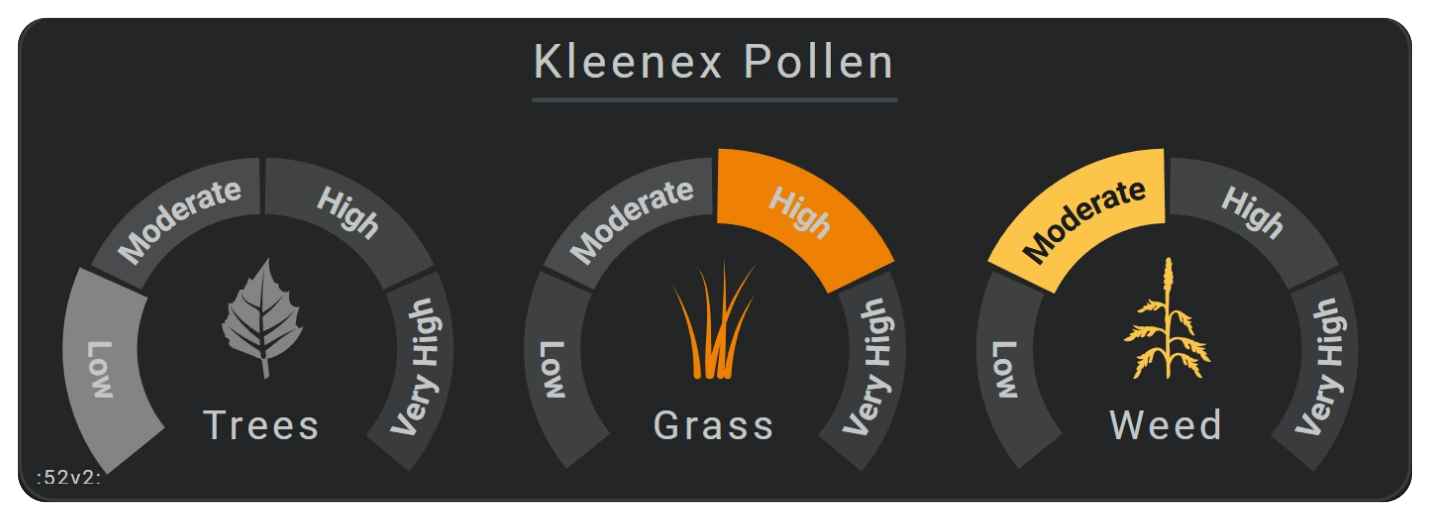
Card 52 displays the pollen level as a single mutually exclusive state. Only the currently active state is shown.
Required integration and files
These examples require:
- The Kleenex Pollen Radar custom integration, available through HACS.
- External SVG files stored in
www/images/kleenex.
Add the following SVG variants:
/local/images/kleenex/pollen_tree_low.svg/local/images/kleenex/pollen_tree_moderate.svg/local/images/kleenex/pollen_tree_high.svg/local/images/kleenex/pollen_tree_very_high.svg/local/images/kleenex/pollen_grass_low.svg/local/images/kleenex/pollen_grass_moderate.svg/local/images/kleenex/pollen_grass_high.svg/local/images/kleenex/pollen_grass_very_high.svg/local/images/kleenex/pollen_weed_low.svg/local/images/kleenex/pollen_weed_moderate.svg/local/images/kleenex/pollen_weed_high.svg/local/images/kleenex/pollen_weed_very_high.svg
The Kleenex integration does not translate the very_high state
Override this label in the horseshoe label configuration when a translated or more readable label is needed.
The images and colors used by these cards are adapted from Isabella Alström’s pollen illustrations.
Interaction
| Part | Behavior |
|---|---|
| Entity-connected elements | Clicking or tapping an element opens the Home Assistant More info dialog by default. |
YAML card definitions
Card 34

This configuration was created for version 5.4.7.
Example definition to use within view
Card 55
This configuration was created for version 5.4.7-dev.12.
Example definition to use within view
Card 54
This configuration was created for version 5.4.7-dev.12.
Example definition to use within view
Card 53
This configuration was created for version 5.4.7-dev.12.
Example definition to use within view
Card 52
This configuration was created for version 5.4.7-dev.12.
Example definition to use within view
Related documentation
- Configure threshold colors and gradients with Color stops.
- Transform palette colors for alternate card designs with Color filters.
- Configure state arcs and mapped states with Horseshoe gauges.
- Reduce repeated definitions with the Reuse Reference.