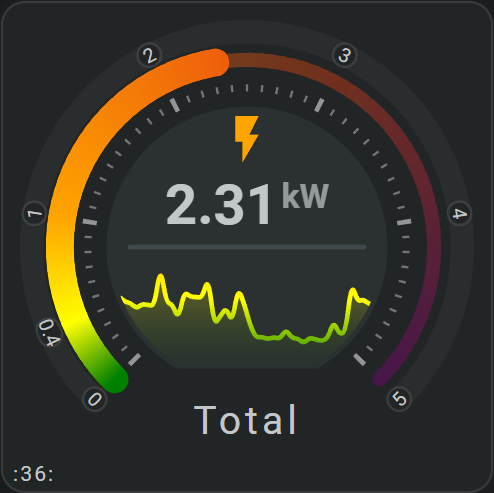
Your first card
Your first card only needs one entity and a few visible items. Building one working card first shows the basic relationship between entities: and layout: before you add more features.
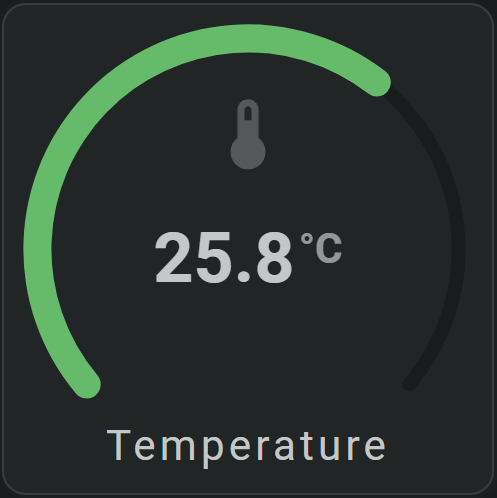
This page builds a simple Horseshoe card with an entity value, icon, and name, then points to the topics you can add next.
Add the card
Open a dashboard in edit mode, add a Manual card, and enter:
Replace sensor.__your_temperature_sensor__ with one of your own entities.
The Horseshoe shows the entity value between 0 and 40. The State tool shows the same value in the center.
Add more to the card
From here, choose what you want to add:
- Add an icon, name, area, or state
- Change the Horseshoe
- Show history
- Add shapes
- Add controls
- Change colors and appearance